·
2 min read
Image analysis for microscopy made simple with machine learning


Automating workflows
A significant hurdle faced by metallurgists when striving to automate their image analysis workflow is the complexity of such workflows. The experience required to understand and create custom image analysis routines is typically beyond the scope of most QA labs in a production context. The figure below shows typical steps of an image analysis workflow illustrated with Rio Tinto’s Aural 2 aluminum alloy micrographs where percentage of aluminum, eutectic, porosity, and intermetallic phase is extracted.
Most of the complexity of such a workflow lies in the image segmentation step. Segmentation is the process of finding and assigning meaning to image pixels. In the metallography field, this translates into assigning to each pixel a class such as eutectic, porosity, grain boundary or any other significant structure.
Modern machine learning technology offers the possibility to streamline and simplify the creation of image segmentation algorithms. No background in computer vision is required to create image segmentation algorithms for separation and classification of more complex features.
Simplify image segmentation with Clemex Studio
Based on this philosophy Clemex recently introduced Clemex Studio, a tool for creating image segmentation algorithms. The main benefit of Clemex Studio is to allow users with significant domain knowledge to create a full microscopy workflow. The platform only takes a few minutes to learn for users without prior computer vision experience. The strength of such a platform is to generate measurement workflows that are robust, reproducible and repeatable.
With a Clemex Vision image analysis system, users can personalize their studies using its simple but robust routine system. Clemex Vision is one of the few offers on the market today that can handle a variety of material types and analysis needs. With Clemex Studio as part of that ecosystem, creating an image analysis workflow is reduced to four steps that any microscopist can learn, reducing the dependency on specialists.
After completing annotations with Clemex Studio the user downloads the segmentation algorithm as a plugin to be used for additional processing and measurement in Clemex Vision. These dynamic plugins created by Clemex Studio make image analysis using Clemex Vision quicker and more effective.
The annotation workflow of Clemex Studio is intuitive. Consider the aluminum alloy image above, where the majority of Al, eutectic, intermetallic and pores can be annotated easily with only one annotation for each feature. Once completed, annotations can be strengthened by highlighting characteristics near the region of phase boundaries. The adjacent features can be accurately classified with just four additional annotations.


(Blue: Aluminum; Red: Eutectic; Green: Pores; Purple: Intermetallic)

Recent advances in artificial intelligence have given the possibility for image analysis to be simplified. Learn how by reading this white paper.
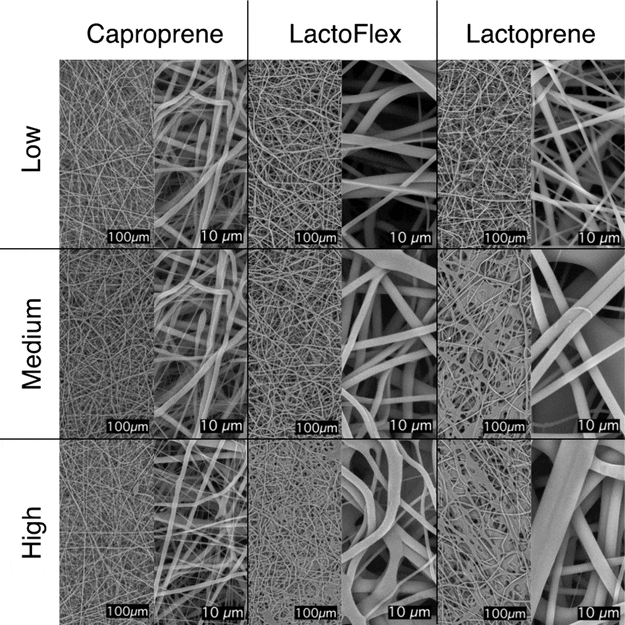
Discover how Poly-Med partnered with Clemex Technologies to revolutionize tissue engineering via machine learning and electrospun scaffolds.

Learn more about how automated optical microscopy helps Agnico Eagle identify nickel-cobalt and graphite carbon for daily operational decisions.
Help us make clemex.com better. We use cookies to understand how the site is used so we can improve it for you — they're optional, and you can decline. See our Privacy Policy.